Make it yours
Edit your PDF and add the details your document needs.
 My Free PDF
MY FREE PDF · iPHONE & iPAD
Edit, sign, organize, and convert. Your everyday PDF tools, together on your phone.
Looking for browser tools? Use My Free PDF on your phone or computer.
Your documents.
Your next step.
iPHONE & iPAD
Explore the editor on iPhone and the tool collection on iPad.
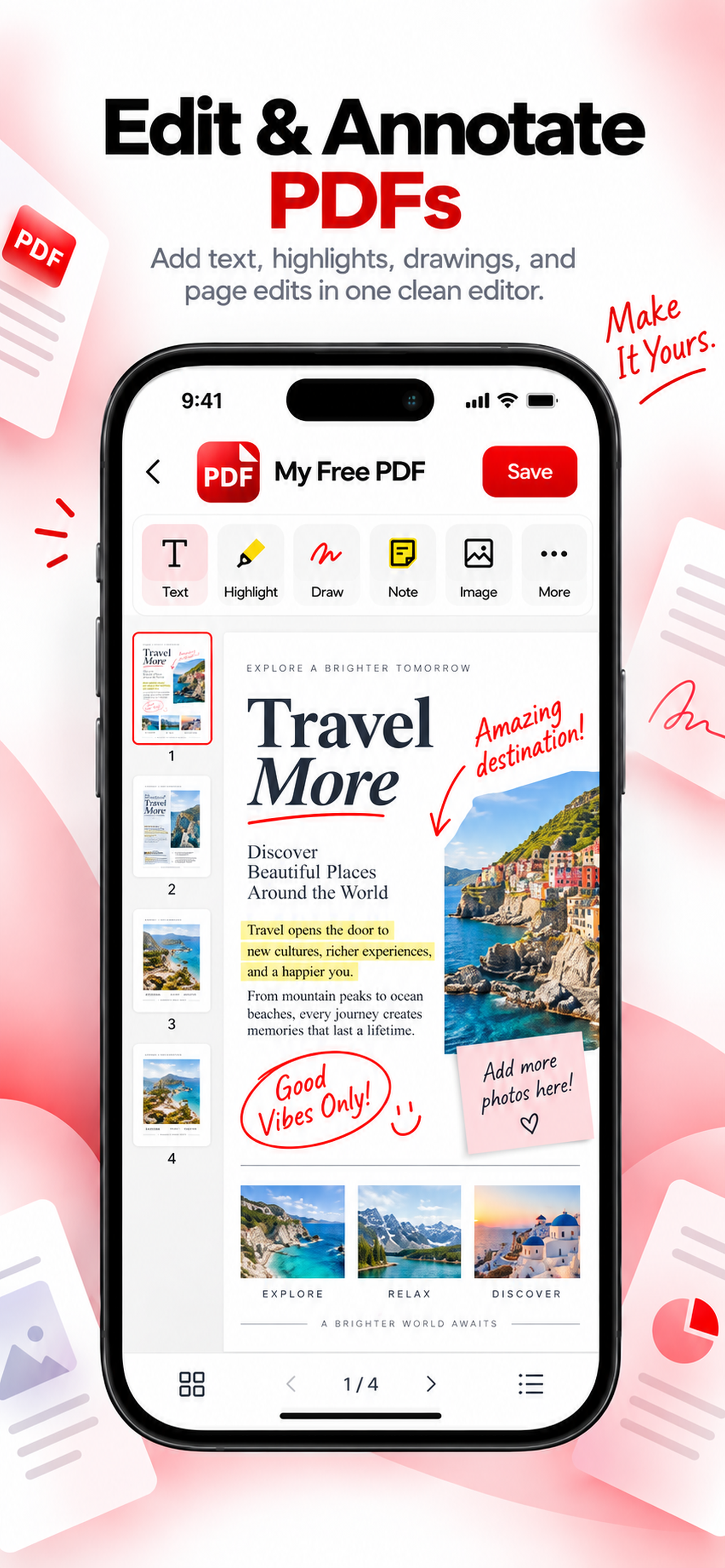
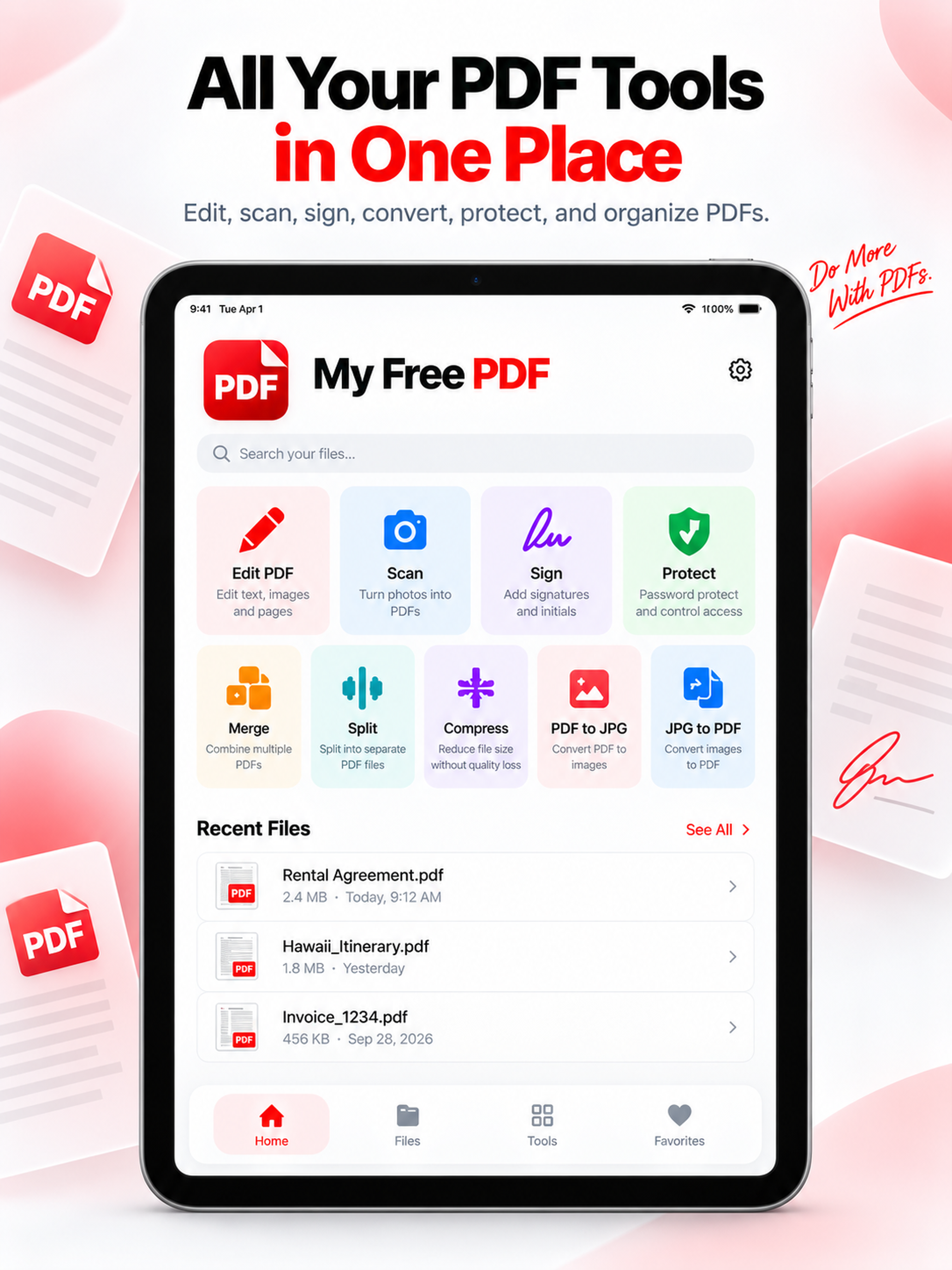
App Store promotional previews. Tap an image to view it full size. Appearance may vary by app version.
THE EVERYDAY ESSENTIALS
Edit your PDF and add the details your document needs.
Add a signature to everyday paperwork.
Merge PDFs into one document and put pages in order.
Split a PDF into smaller documents for sharing.
Convert between PDFs and JPG images.
Export the finished document and share it from your phone.
US VS. THE OTHERS
My Free PDF Pro is $2.99 monthly, $19.99 yearly, or $49.99 for lifetime access. Compare selected U.S. App Store purchase options below.
$2.99 / month
Pro access, billed monthly$19.99 / year
About $1.67/month, billed yearly$49.99 once
Permanent Pro access| App | Monthly | Yearly | Lifetime | Price comparison |
|---|---|---|---|---|
| My Free PDF Pro | $2.99 | $19.99 | $49.99 | Lowest paid prices in this comparison |
| iLovePDF | $5.49 | $44.99 | — | About 2.3× our annual price |
| Foxit PDF Editor | $6.99 | $39.99 | — | About 2× our annual price |
| PDF Expert | $9.99Listed option | $49.99 | — | About 2.5× our annual price |
| Adobe Acrobat | $12.99 | $69.99 | — | About 3.5× our annual price |
| Xodo | $11.99 | $107.99 | — | About 5.4× our annual price |
Competitor amounts are selected U.S. App Store prices from our October 2026 comparison. Monthly and yearly columns show separate purchase options, not monthly equivalents. Apps may offer multiple plans, promotions, and different prices by region or platform. Features are not identical. A dash means no lifetime option was listed in this comparison. Check each app’s purchase screen for current prices and terms.
Use the app’s free tools without signing in. Create an account for saved preferences and history. An active Pro subscription or lifetime purchase unlocks Pro tools and shows a PRO badge. Choosing a premium tool on the free plan opens the app’s pricing screen.
Website sign-in with ChatGPT lets you save private PDF copies. Native app accounts and Pro subscriptions are not yet connected to the website. The web tools remain free to use.
FROM OPEN TO DONE
Handle the document in front of you, then get on with your day.
Start with the document you want to work on.
Edit, sign, combine, or convert your file.
Check the result, then export your finished PDF.
Find the right tool in our PDF guide, or contact us for help with My Free PDF.